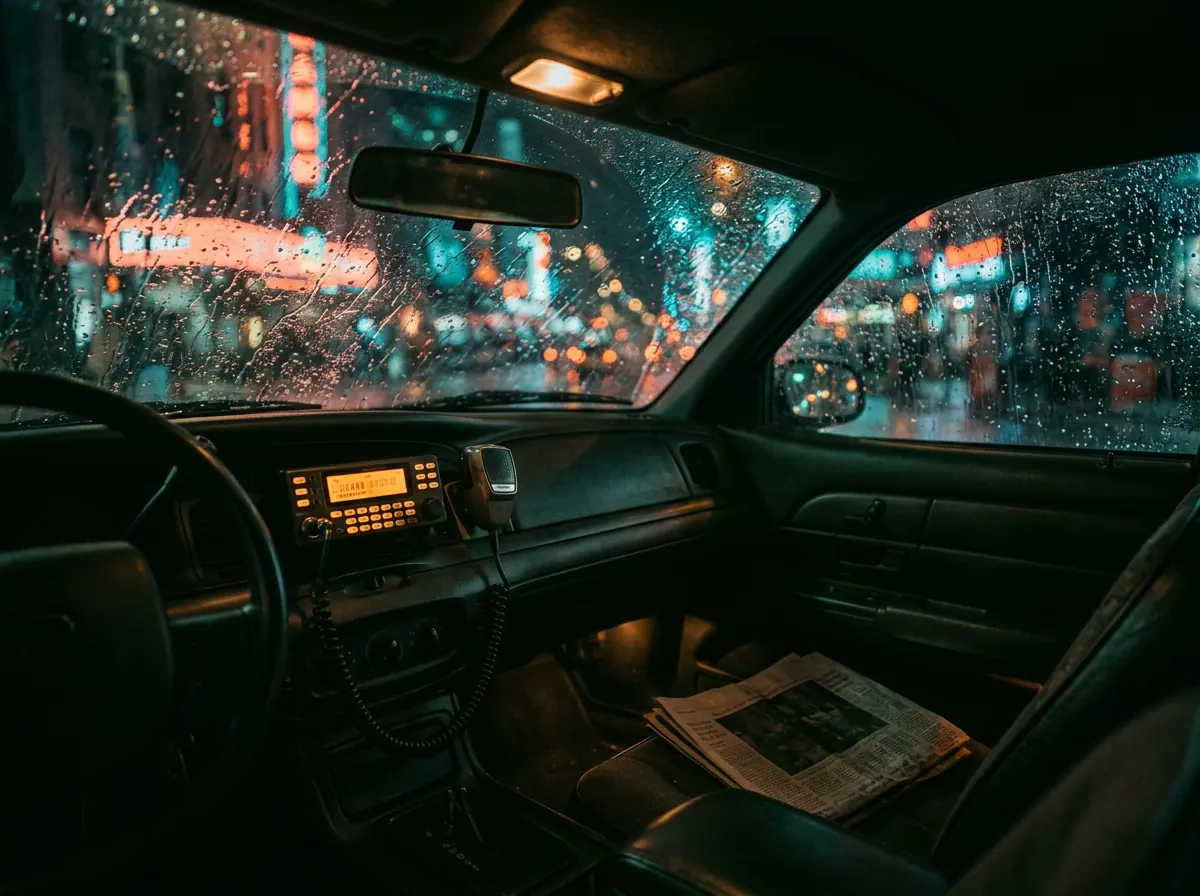
GTA 6 has no first-person mode, but a phone-and-camera timing trick in a car leaves the view stuck in first person, even after you get out. Here is how it works and what to expect.
GTA 6 shipped without a first-person mode for walking or driving, but players have already found a way around it. Kotaku and CBR both covered the trick on Nov 20, and gameplay clips are spreading on Reddit and YouTube.
How the trick works
The two write-ups describe the same idea with slightly different inputs:
- Kotaku (Ethan Gach): in the controller settings, remap the PS5 touchpad from opening the map to controlling the camera. Get in a car, take out the phone, then press up on the d-pad to put the phone away while tapping the touchpad repeatedly. When the timing lands, the camera stays in first person after you leave the car, until you close the game. Kotaku credits a YouTube video by glitch hunters oneboyler and OrangeGuy.
- CBR (Kyle Gratton): bind the camera view change to a button, get in a car, take out the phone, and mash that button while putting the phone away. The camera stays stuck in the phone-while-driving angle, and the top of the screen keeps a tint after you get out. CBR credits Reddit user MuteSpotted74.
Neither outlet reports crashes, but this is an unintended camera state, so expect clipping and odd angles.
Has Rockstar said anything?
No. Neither report found a Rockstar comment or a patch. Glitches like this are often closed in a later update, so it may not last.
What it means for you
If you want to try first-person exploring, save your game first, then try the car and phone timing. Restarting the game puts the normal camera back. For the official camera options, including first-person aiming with optics, see our first-person guide.
Grab the free neon overlay pack, get featured on our homepage rotation, or join the crew and earn points for every friend you bring.